Can You Connect Apple Watch Series 7 to Android? Compatibility Guide 2026

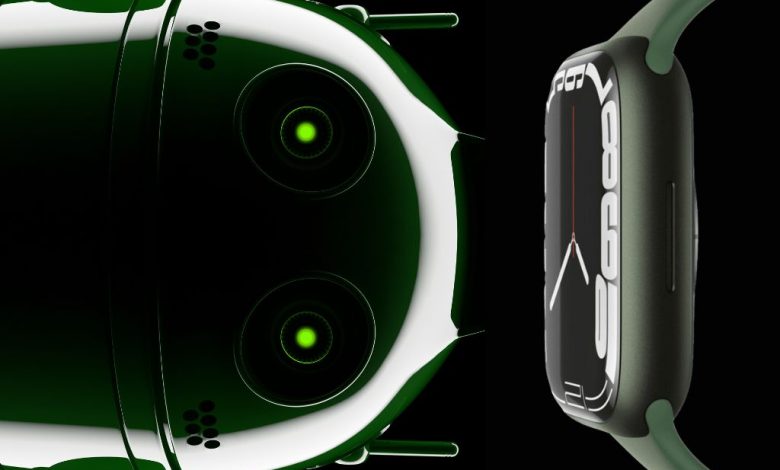
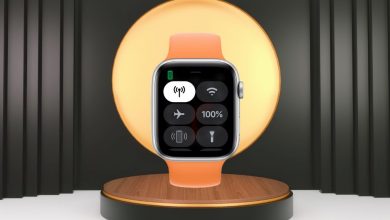
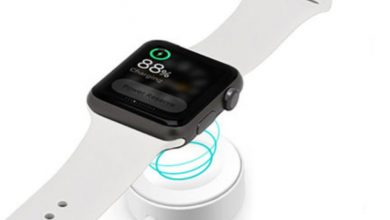
The Apple Watch remains one of the most desirable smartwatches on the market, and many Android smartphone users wonder whether they can pair this premium wearable with their Samsung Galaxy, Google Pixel, OnePlus, or other Android device. The straightforward answer is that the Apple Watch Series 7 is designed exclusively for the Apple ecosystem and requires an iPhone for initial setup, ongoing synchronization, and access to the full feature set. There is no official method to pair or fully operate an Apple Watch with any Android smartphone.
Apple Watch + Android Compatibility
Table of Contents
Why Apple Watch Does Not Work with Android
The Apple Watch operating system (watchOS) is architecturally dependent on iOS and the Apple Watch companion app that runs exclusively on iPhone. During the initial setup process, the Apple Watch communicates with the Watch app on your iPhone to establish a secure encrypted Bluetooth pairing, synchronize your Apple ID credentials, configure iCloud Keychain access, activate Find My tracking, set up Apple Pay with your debit and credit cards, and download compatible third-party applications from the watchOS App Store. None of these foundational setup procedures can be performed through any Android application or interface.
Beyond initial setup, the Apple Watch relies on continuous iPhone connectivity for receiving notifications from iOS apps, synchronizing health and fitness data to the Apple Health framework, installing watchOS software updates, backing up watch settings and data, and processing Siri voice requests that require server-side computation. These deep integrations with Apple proprietary services have no Android equivalents, making full-featured Apple Watch operation on Android fundamentally impossible without significant reverse-engineering that Apple actively prevents through hardware-level security measures.
Limited Workaround Methods
While no method provides full Apple Watch functionality with an Android phone, some users have found partial workarounds with significant limitations. The most common approach involves performing the initial setup using a borrowed iPhone, then using the Apple Watch GPS + Cellular model independently with an activated cellular plan. This allows basic calling, messaging, music streaming, health tracking, and Siri functionality without the iPhone nearby. However, you will lose the ability to install new apps, receive most third-party notifications, update watchOS, or sync health data to any platform, severely limiting the long-term usability of this workaround.
Best Apple Watch Alternatives for Android Users
Should You Switch to iPhone for Apple Watch?
If the Apple Watch is genuinely the smartwatch you want, switching to an iPhone is the only reliable path to a fully functional experience. The Apple ecosystem integration between iPhone, Apple Watch, AirPods, iPad, and Mac creates a seamless technology environment that is difficult to replicate with cross-platform workarounds. However, if you are committed to Android, the Samsung Galaxy Watch and Google Pixel Watch offer increasingly comparable health tracking, fitness monitoring, and smartwatch functionality with native Android integration.
More Apple Watch Guides
If you do have an iPhone, explore the full Apple Watch experience: complete features guide, is the Series 7 worth it?, and standalone functionality without iPhone.
Find Your Perfect Smartwatch
Whether Apple Watch with iPhone or a Wear OS alternative with Android, choose the ecosystem that fits your lifestyle.